Yesterday my portfolio ran on a page builder stack I’d stopped enjoying. Today it runs on a custom full-site-editing block theme — designed in Claude Design, implemented with Claude Code, seeded, SEO’d and live. This post is the honest play-by-play: what the AI did, what I did, where it went wrong, and why I think this workflow is something every WordPress engineer should have in their toolbox.
The stack: Claude Design for pixels, Claude Code for PHP
I used two different AI surfaces for two different jobs, and that separation mattered.
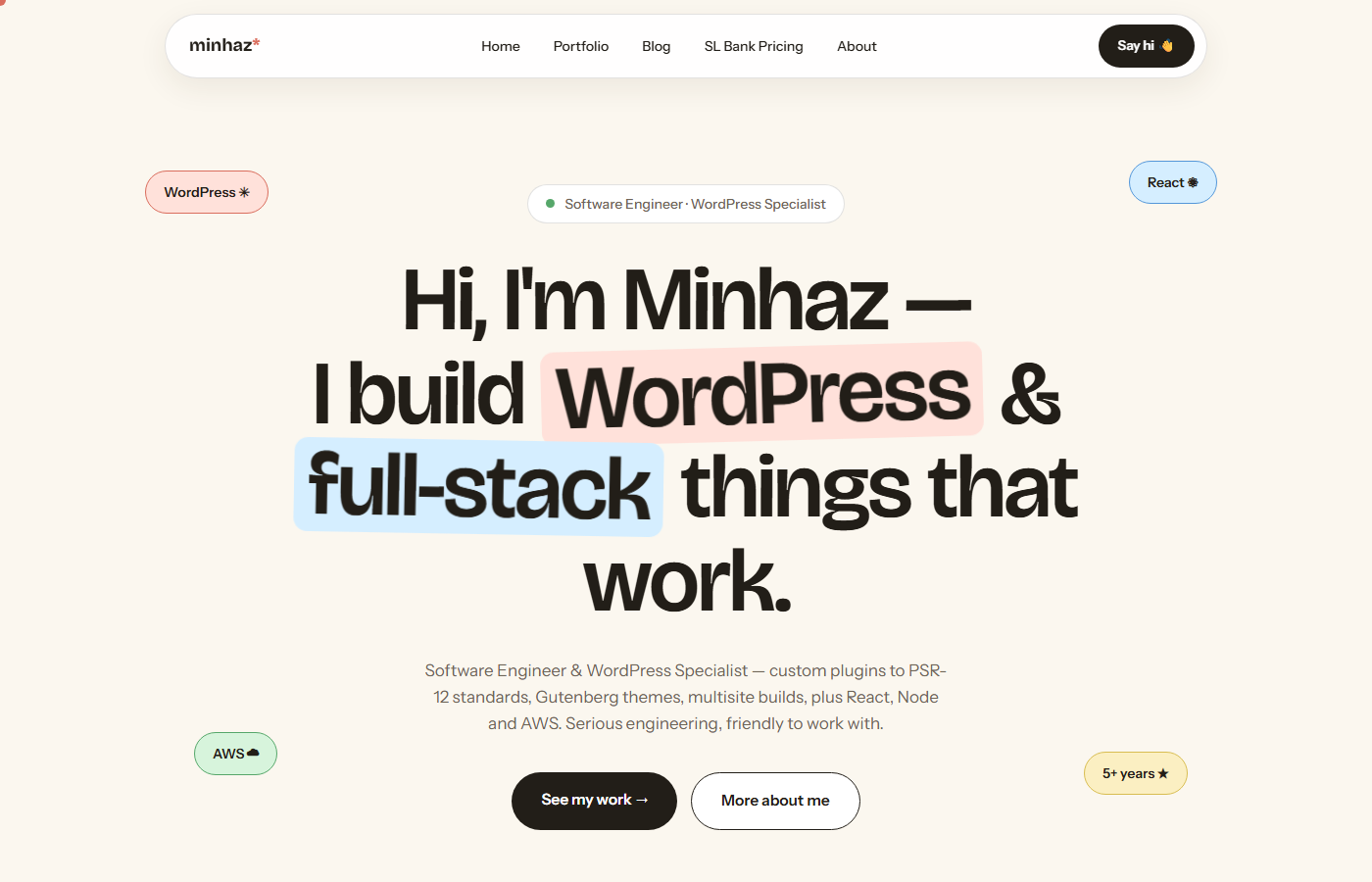
Claude Design is a canvas where you iterate on real HTML/CSS mockups conversationally. I went through five full design directions for the home page — a dark editorial version, a brutalist one, a minimal one — before landing on “v5 Playful”: a warm paper-and-ink palette, Bricolage Grotesque display type, pill-shaped UI, sticker-style badges that bob and dodge your cursor. Once the direction was locked, I had it produce the complete page set: home, portfolio, blog, single post, project detail, contact, and a page for my WordPress.org plugin.
Claude Code is a coding agent that runs in the terminal with real access to my Local (by WP Engine) site — files, WP-CLI, the database. It pulled the design files straight from the Claude Design project and converted them into a proper WordPress theme. Not a static HTML dump: a real FSE block theme.
What “production-ready” actually meant
I’m a WordPress engineer, so I wrote the brief the way I’d write it for a senior dev, and held the output to the same bar:
- theme.json v3 as the single source of truth. Every design token from the mockups — palette, fluid type scale, spacing, radii, shadows — extracted into presets. No hardcoded hex values in pattern markup.
- Build-free. Plain CSS, native ES modules, self-hosted variable fonts registered via theme.json font-face. No webpack, no Vite, nothing to compile.
- Core blocks first. Each design section became a block pattern built from core blocks wherever core could express it. Only one section genuinely couldn’t: the portfolio grid, which filters projects by type instantly on the client with animated re-layout. That became the theme’s single custom block, dynamic (
render.php) and wired up with the Interactivity API. - Content survives theme switches. The
projectcustom post type and its meta live in an mu-plugin, not in the theme. - Reproducible content. Idempotent WP-CLI seed scripts (
wp eval-file bin/seed.php) create the pages, menu, reading settings and sample content — safe to re-run, nothing duplicated.
The parts the AI nailed
The tedious 80% evaporated. Twelve templates, eleven patterns, a custom block with editor preview, escaping and translation functions on every string, a Customizer-free token system — that’s days of careful-but-boring work, and it landed in hours. The micro-interactions (scroll reveals, magnetic buttons, cursor spotlight, sticker repel) came out as one small vanilla-JS module that respects prefers-reduced-motion, because the brief demanded it.
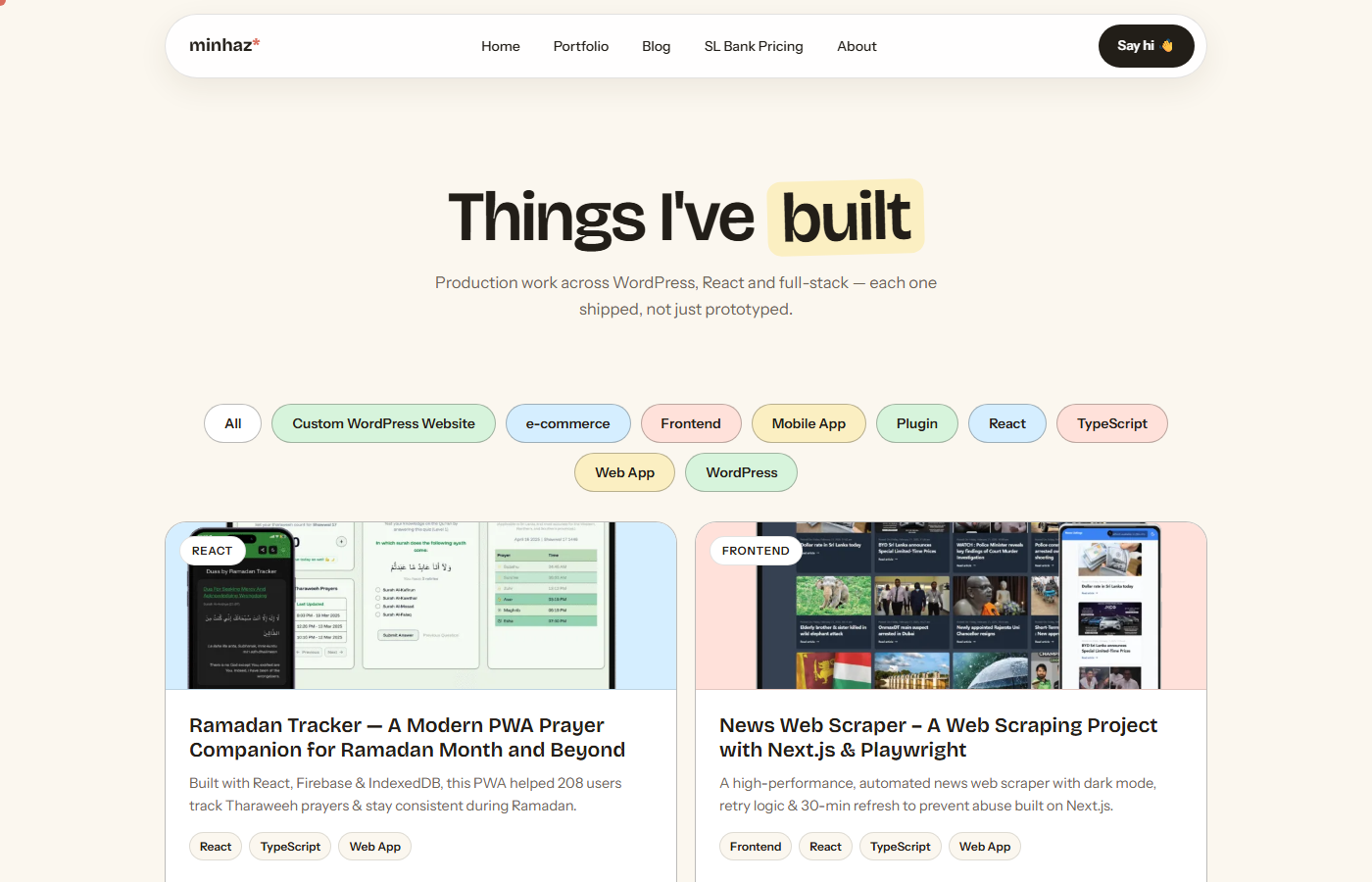
The part that surprised me most: migration. My old site ran the Visual Portfolio plugin. Claude Code wrote an import script that rebuilt my new project posts from the old plugin’s post type — reusing the existing media library attachments instead of duplicating files, mirroring taxonomies, even carrying over the Rank Math SEO meta I’d hand-written on each old post.
The parts that needed a human
It wasn’t flawless, and pretending otherwise would defeat the point of this post.
- A seed script resurrected deleted content. After the real projects were imported, re-running the seeder recreated its sample projects — and one slug collision silently overwrote a real imported project. The fix was a guard flag so the seeder skips samples once an import has happened. Classic idempotency edge case, and exactly the kind of thing you only catch if you know WordPress well enough to be suspicious.
- Copy drift. The plugin page described version 1 features that no longer exist in v2. I pointed the agent at the actual v2 source code and had it rewrite the copy from what the code really does. AI output is only as current as what you feed it.
- Taste calls. Navigation labels, tone of voice, what to say versus what to imply — those decisions stayed with me, and the output improved every time I made one explicitly.
What this means if you build WordPress for a living
The uncomfortable read is “AI built a theme in a day.” The accurate read is different: an engineer who knows WordPress deeply directed an AI through a day of work that used to take weeks — and the engineering judgment was the bottleneck the whole way. Every place the workflow could have shipped something broken, the catch came from knowing how WordPress actually behaves: slug collisions, theme-switch data loss, escaping rules, what belongs in an mu-plugin.
That combination — deep platform knowledge plus fluency with generative tooling — is the skill set I think WordPress teams should be hiring for now. The tools are ready. The leverage is real. But someone still has to know what “correct” looks like.
Curious about the details? The portfolio you’re looking at is the artifact itself, my SL Bank Pricing plugin shows the same engineering standards applied to a published WordPress.org plugin, and I’m always happy to talk shop about AI-assisted WordPress workflows.
Leave a Reply